
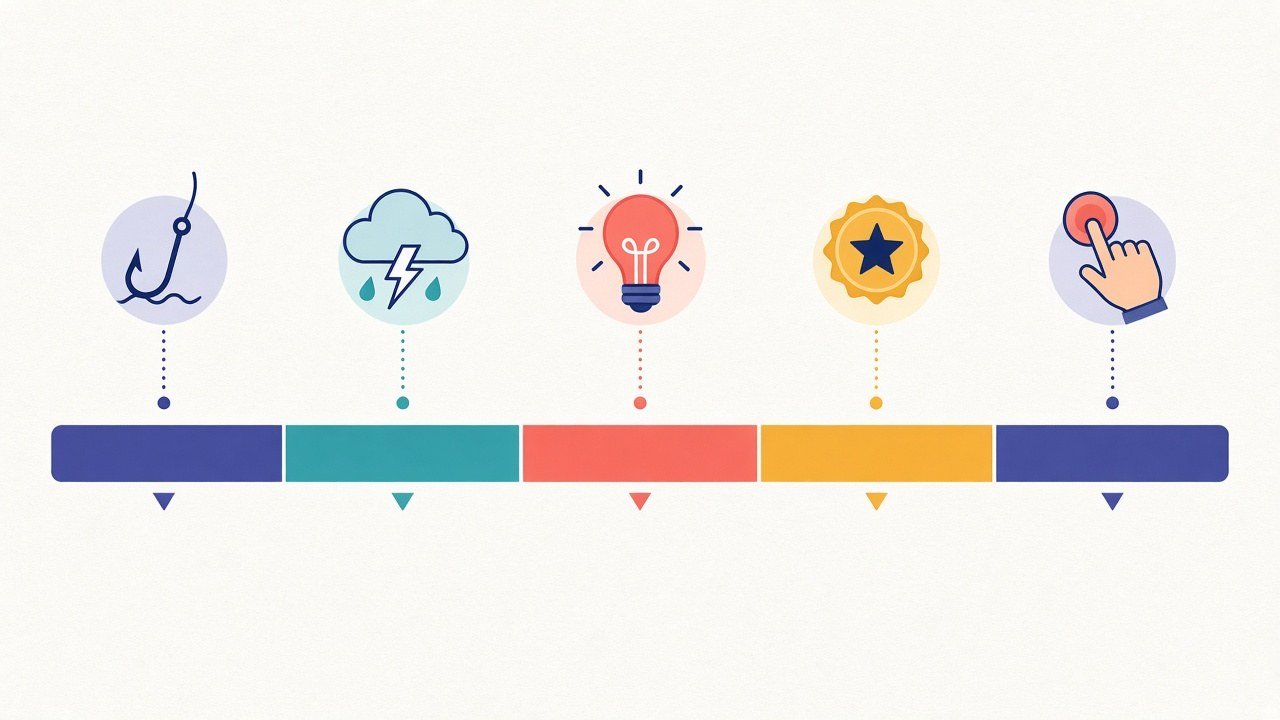
TL;DR: A good explainer video script template has five beats: hook, problem, solution, proof, and one call to action. For a 60-second video, aim for roughly 130 to 150 words. Below is the exact fill-in-the-blanks template I use with SaaS and healthcare clients, plus a worked example and timing table.
Most explainer videos that fail don’t fail in animation. They fail in the script. By the time a project reaches me with a two-page draft full of features, the video is already in trouble, because no amount of motion design can make 400 words fit into 60 seconds.
I’m Ali, a freelance explainer video editor and animator. I work mostly with SaaS, healthcare, and tech teams, and the script is the first thing I ask about on every project. In this post I’m sharing the explainer video script template I actually use, the word budgets behind it, a filled-in example, and the mistakes I see founders make most often. If you want to see where scripting sits in the bigger picture, my SaaS explainer video production process walks through every stage from brief to delivery.
Why the Script Decides Whether Your Explainer Works
Explainer videos are mainstream now. In the Wyzowl State of Video Marketing 2026 report, 68% of video marketers said they create explainer videos, and 96% of people said they’ve watched one to learn about a product or service. That means your viewers have seen a lot of them. They can tell within seconds whether a video respects their time.
The script controls three things the visuals can’t fix later:
- Length. Every word costs screen time. A bloated script means a long video or a rushed voiceover.
- Focus. If the script tries to explain five features, the animation will show five half-explained features.
- Action. If the script doesn’t end with one clear next step, the viewer leaves without taking any step.
When I review a draft, I’m checking those three things before I think about style, color, or music. If you want my wider quality checklist, it lives here: what makes an explainer video actually work.
How Many Words Should an Explainer Video Script Be?
A comfortable voiceover pace is around 130 to 150 words per minute, which is the range VideoScribe’s script guide recommends too. I plan most SaaS scripts closer to 130, because product names, numbers, and UI moments need breathing room. Here’s the word budget I use:
| Video length | Word count (130-150 wpm) | Best use |
|---|---|---|
| 30 seconds | 65-75 words | Launch teaser, social ad, feature announcement |
| 60 seconds | 130-150 words | Homepage explainer for a focused product |
| 90 seconds | 195-225 words | Homepage explainer for a more complex SaaS or healthcare product |
| 2 minutes | 260-300 words | Product overview, sales enablement, onboarding |
Wyzowl’s 2026 data also shows that 71% of video marketers say videos between 30 seconds and 2 minutes perform best. That’s why I push most homepage explainers into the 60 to 90 second band and save longer cuts for demos and onboarding. I go into the research, use cases, and examples in my guide to how long an explainer video should be.
The Explainer Video Script Template I Use
Here’s the template. Copy it into a doc, fill in the brackets, and count your words at the end. The timings assume a 60-second video; stretch each beat proportionally for 90 seconds.
| Beat | Time | Words | Fill-in line |
|---|---|---|---|
| 1. Hook | 0-5 s | 10-15 | “Still [doing painful task] the [slow/manual/risky] way?” |
| 2. Problem | 5-15 s | 20-30 | “Every [week/shift/sprint], [audience] lose [time/money/patients] because [specific cause].” |
| 3. Solution | 15-45 s | 60-75 | “Meet [Product]. It [main outcome]. First, [step one]. Then, [step two]. And [step three], so you can [benefit].” |
| 4. Proof | 45-52 s | 10-20 | “[Customer type] already use [Product] to [real result you can back up].” |
| 5. Call to action | 52-60 s | 10-15 | “[Start free / Book a demo] at [URL]. It takes [time].” |
Beat 1: The hook (first five seconds)
The hook names the viewer’s situation, not your category. “An AI-powered workflow platform” could be anyone. “Still copying the same update into three tools?” is someone’s actual Tuesday. If your first line could appear in a competitor’s video, rewrite it.
Beat 2: The problem
Make the pain concrete. Use one consequence the viewer can feel: hours lost, a missed appointment, a frustrated customer. Keep it short. Founders love this section and often spend 40 seconds on it, which means the product doesn’t show up until halfway through.
Beat 3: The solution (two or three steps, never a feature tour)
This is where the product appears. I write it as a short sequence of steps because steps are easy to animate: each step becomes a scene, and each scene gets one clear UI moment. Pick the two or three moments that prove the promise. Everything else belongs in your docs or a longer demo.
Beat 4: Proof
One line is enough: a customer type, a real metric, or a recognizable logo strip. Only use numbers you can back up. A vague “trusted by thousands” adds words without adding belief.
Beat 5: The call to action
One action. Book a demo, start free, or join the waitlist. Not all three. If you need help deciding which action fits where the video lives, my guide on which video type fits each stage of your funnel maps it out.
Write It in Two Columns: Voiceover and Visuals
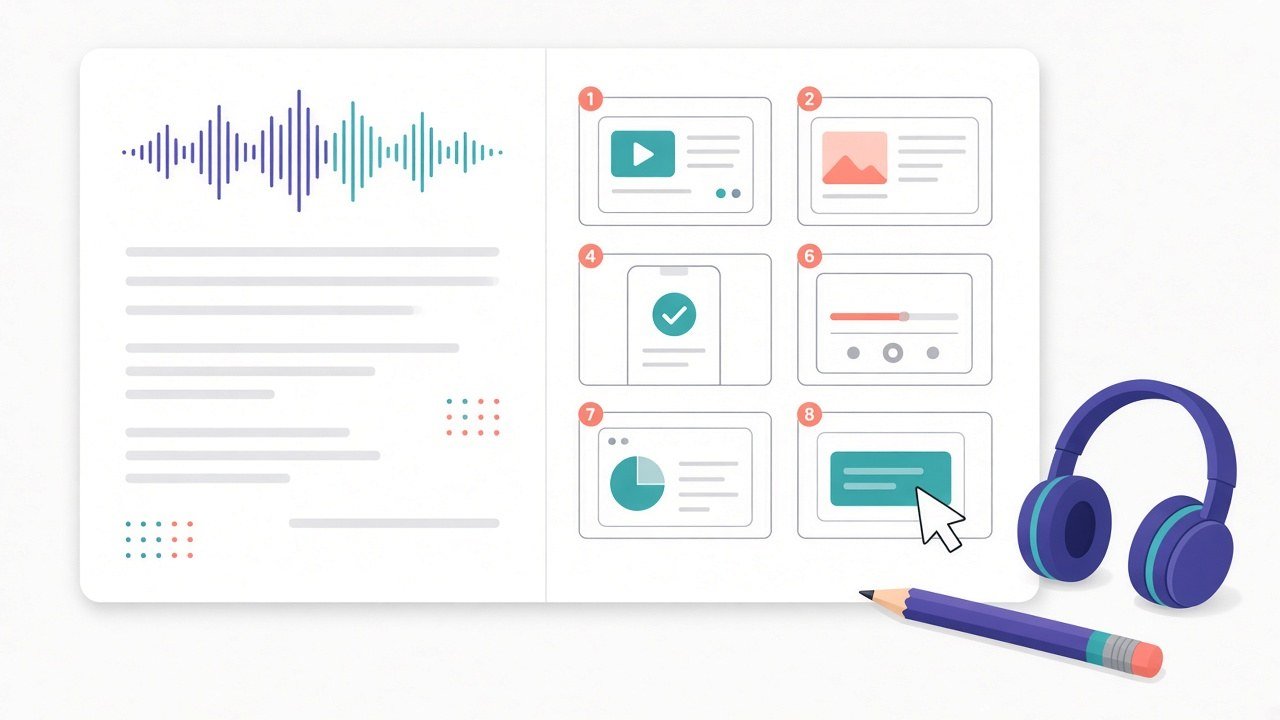
A script for an explainer isn’t just narration. I always ask clients to use a simple two-column format so the animator knows what the screen is doing while each line is spoken. It saves at least one revision round, every time.
| Voiceover (what we hear) | Visual (what we see) |
|---|---|
| “Still chasing patients to confirm rides?” | Coordinator at a desk, phone ringing, sticky notes piling up. |
| “Missed rides mean missed appointments.” | Calendar slot turns red; empty clinic chair. |
| “Meet [Product]. Book a ride in three clicks.” | Clean rebuilt UI: select patient, pick time, confirm. Cursor animates each click. |
| “Book a demo at [URL].” | Logo, URL, and a single button on screen for three seconds. |
Rule of thumb: on-screen text should support the voiceover, not repeat it. Short labels and key numbers work. Full sentences on screen compete with the narrator.
A Filled-In Example (60-Second SaaS Explainer)
Here’s an example for a fictional scheduling tool, so you can see the template with real words. It comes in at about 135 words.
Hook: Still losing your Monday morning to rebuilding the team schedule?
Problem: Every week, ops managers spend hours juggling spreadsheets, last-minute swaps, and group chats. One missed change, and a shift goes uncovered.
Solution: Meet ShiftPilot. It builds your schedule for you. First, connect your team’s availability. Then, set your coverage rules once. ShiftPilot drafts the week in seconds and handles swap requests automatically, so you only step in when it matters.
Proof: Teams across retail and clinics use it to cut scheduling time every single week.
CTA: Start your free trial at shiftpilot.com. Setup takes five minutes.
Notice what’s missing: integrations, pricing tiers, the founder story, and the AI model behind it. All true, all useful, all for a different page.
My Client Work: Scripts That Became Videos
These are projects I edited and animated. Watch them with the five beats in mind and you’ll see the structure under the motion.
Pointr: one journey instead of a tech stack
Indoor positioning is technical. The script worked because it followed a single person’s journey (arrive, find the place, move with confidence) and let the UI carry the explanation instead of jargon.
MediRoute: calm pacing for a healthcare audience
Healthcare scripts need accuracy and trust more than cleverness. For MediRoute, we wrote shorter sentences, slowed the read, and kept each workflow step on screen long enough to follow. I cover this in more depth in my post on explainer video approaches for healthcare and fitness brands.
Short Launch Videos Worth Studying (Not My Work)
These are official launch posts from other companies. I had no part in making them. I’m linking the companies’ original posts because they show how the same script logic compresses into a short format.
Launch video by Framer: one capability, one sentence
Framer’s roughly 26-second launch post for its Agent building pages from your design system pairs a single-sentence promise (“create new pages that follow your site’s styles, components, and layouts”) with the video. That’s beats one, three, and five in miniature: what it is, how it helps, go try it. There’s no attempt to explain everything.
Watch Framer’s original launch post on X (video by Framer, credited third-party example)
Launch video by Intercom: let the copy carry the list
Intercom’s Fin launch post, shared by co-founder Des Traynor, uses a very short vertical video (about eight seconds) and puts the full list of launches in the post text instead. That’s a useful scripting lesson: when you have many announcements, the video carries the energy and the written copy carries the details. Don’t force a feature list into narration.
Watch the original Intercom Fin launch post on X (video by Intercom, credited third-party example)
For a bigger gallery of what converts, see my roundup of SaaS explainer video examples.

Five Script Mistakes I Fix Most Often
- Too many words. If a 60-second script has 220 words, the narrator will rush or the video will run long. Cut before recording, not after.
- Feature lists instead of outcomes. “Real-time sync, role permissions, SSO” means little. “Your team always sees the latest version” means a lot.
- Writing for the eye instead of the ear. Read it out loud. If you run out of breath, the sentence is too long.
- No visual notes. Without the second column, the animator guesses, and guesses cost revision rounds.
- Two or three CTAs. Pick one. A split CTA makes an indecisive video.
How the Script Affects Cost and Timeline
A locked script is the cheapest way to control a budget. Every line you cut after animation starts means re-timing scenes, and every line you add means new scenes. When clients come to me with an approved script, the project usually moves faster and needs fewer revisions. If you’re budgeting now, my breakdown of how much an explainer video costs in 2026 shows how length and complexity change the price, and my explainer video styles cheat sheet helps you match the script to a visual style.
If you don’t have a script yet, that’s fine too. I offer scriptwriting support as part of my projects: you bring the product knowledge, and I shape it into the five beats, count the words, and write the visual column with you.
Ready to Turn Your Script Into a Video?
Send me your draft script, or just a short description of your product and audience, and I’ll tell you what the video needs to do and how long it should be. Get in touch here and I’ll reply with next steps.
Frequently Asked Questions
What is the best structure for an explainer video script?
The most reliable structure has five beats: a hook in the first five seconds, a concrete problem, the solution shown in two or three steps, a short line of proof, and a single call to action. It works for SaaS, healthcare, and most tech products.
How many words is a 60-second explainer video script?
About 130 to 150 words, based on a comfortable voiceover pace of 130 to 150 words per minute. For technical products I aim near 130 so the viewer has time to read UI moments and labels.
Should I write the script myself or hire someone?
You know your product best, so a first draft from you is valuable. A video specialist then trims it to the word budget, sharpens the hook, and adds visual notes. I offer scriptwriting support as part of my explainer projects.
What is a two-column script?
It’s a script with the voiceover in one column and the matching visuals in the other. It tells the animator what should be on screen for every line, which reduces guesswork and revision rounds.
How long should an explainer video be?
For a homepage explainer, 60 to 90 seconds works for most products. Launch teasers can be 15 to 45 seconds, and product demos or onboarding videos can run two minutes or more. Wyzowl’s 2026 survey found 71% of video marketers say 30 seconds to 2 minutes performs best.
Written by Ali, freelance explainer video editor and animator at Explainalab.
Leave a Reply