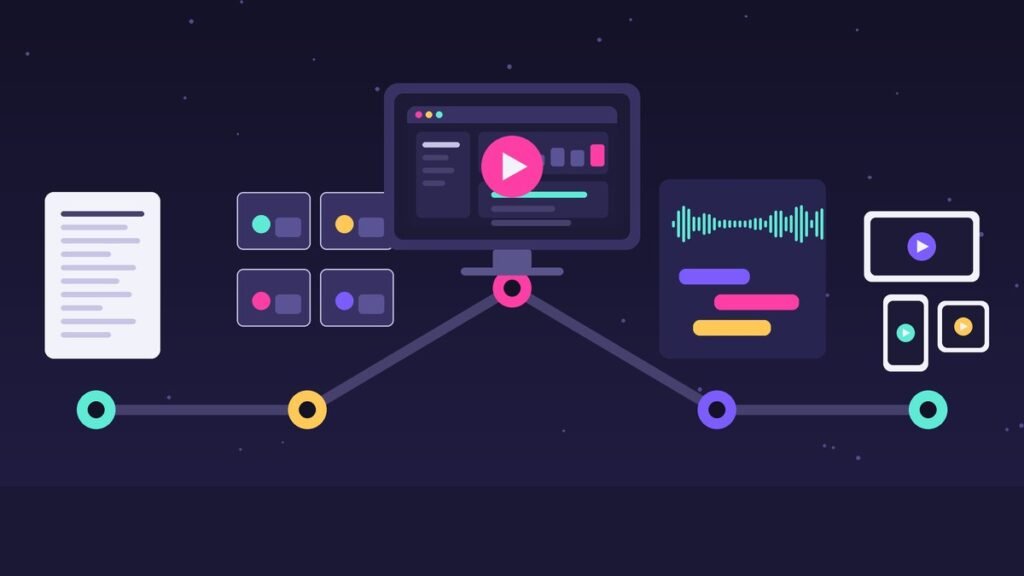
TL;DR: My SaaS explainer video production process runs in nine stages: discovery brief, script, storyboard, style frames, voiceover, animation, sound design, revisions, and delivery with cutdowns. For a 60 to 90 second video it usually takes 3 to 6 weeks. Most delays come from late feedback on the script, not from animation.
Founders often ask me what actually happens between “we need an explainer video” and the final MP4 landing in their inbox. Fair question. If you have never commissioned one, the process can look like a black box, and black boxes make people nervous about budgets and deadlines.
I’m Ali, a freelance explainer video editor and animator. I work mostly with SaaS, healthcare, and tech brands. This post walks through my SaaS explainer video production process step by step: what each stage is for, what you get at the end of it, what I need from you, and how long it typically takes. If you are still weighing who should make your video, read my comparison of hiring an explainer video freelancer vs an agency first.
Why the Process Matters More Than the Software
Explainer videos are not a niche format anymore. In the Wyzowl State of Video Marketing 2026 report, 68% of video marketers said they create explainer videos, and 96% of consumers said they have watched an explainer video to learn about a product or service. The same survey found that 89% of consumers say video quality affects how much they trust a brand.
That last number is the one I think about most. Quality is not just nice animation. It’s a clear message, a believable voice, clean audio, and a video that ends with the right next step. You get those things from a good process, not from a particular plugin. Every stage below exists to catch a specific kind of mistake before it becomes expensive to fix.
The SaaS Explainer Video Production Process at a Glance
Here is the whole pipeline for a typical 60 to 90 second animated SaaS explainer. The day ranges are what I usually see on my own projects. Your timeline depends on scope, style, and how fast feedback comes back.
| Stage | What you get | What I need from you | Typical working days |
|---|---|---|---|
| 1. Discovery and brief | One-page creative brief | Call, product access, audience, goal | 1-3 |
| 2. Script | Script with timing notes (2 rounds) | Fact-check and approval | 3-5 |
| 3. Storyboard | Frame-by-frame sketches with script lines | Approval of scene flow | 3-5 |
| 4. Style frames | 2-4 fully designed key frames | Brand assets, approval of look | 2-4 |
| 5. Voiceover | Recorded, edited VO track | Voice pick, pronunciation list | 2-4 |
| 6. Animation | Full animated cut | Patience (and UI screens if needed) | 7-15 |
| 7. Sound design and music | Mixed audio: VO, music, SFX | Music approval | 1-3 |
| 8. Revisions | Revised cuts (2 rounds included) | Consolidated feedback | 2-5 |
| 9. Delivery and cutdowns | Master file, cutdowns, captions | List of channels | 1-3 |
Add it up and you land around 3 to 6 weeks for most projects. Some stages overlap (I often cast voice talent while the storyboard is being reviewed), which is how tight launches still hit their dates. If budget is your first question, my explainer video cost breakdown explains how each stage affects price.
Stage 1: Discovery and the Creative Brief
Every project starts with a 30 to 45 minute call. I want to understand three things: who the viewer is, what they believe before watching, and what you want them to do after. A video for a cold LinkedIn audience is a very different film from one that sits on your pricing page.
I also ask for product access or a recorded demo. I need to use the product, even briefly, before I can explain it. The output is a one-page brief that we both sign off on. It covers audience, core message, tone, length, placement, call to action, and must-include features. When feedback gets messy later, the brief settles arguments.
If you’re not sure which type of video you need yet, my guide on which video type fits each stage of your funnel is a good place to start.
Stage 2: Script
The script is the most important deliverable in the whole SaaS explainer video production process. If the script is weak, beautiful animation just makes a weak message look expensive.
My scripts usually follow a simple shape: the problem in the viewer’s words, the turning point, how the product works (two or three features at most), proof, and a clear call to action. For length, the Wyzowl 2026 survey found that 71% of video marketers say videos between 30 seconds and 2 minutes work best, so I aim for that range unless there’s a strong reason not to.
How I keep scripts tight
- I read every draft out loud with a timer. If it runs long, I cut, I don’t speed up the voice.
- One idea per sentence. Viewers can’t scroll back up in a video.
- No feature lists. I pick the features that support the core message and leave the rest for your docs.
Two rounds of script edits are included. Please get everyone who will have an opinion (founder, product, marketing, legal) to review the script now. Late script changes are the number one reason explainer projects slip.
Stage 3: Storyboard
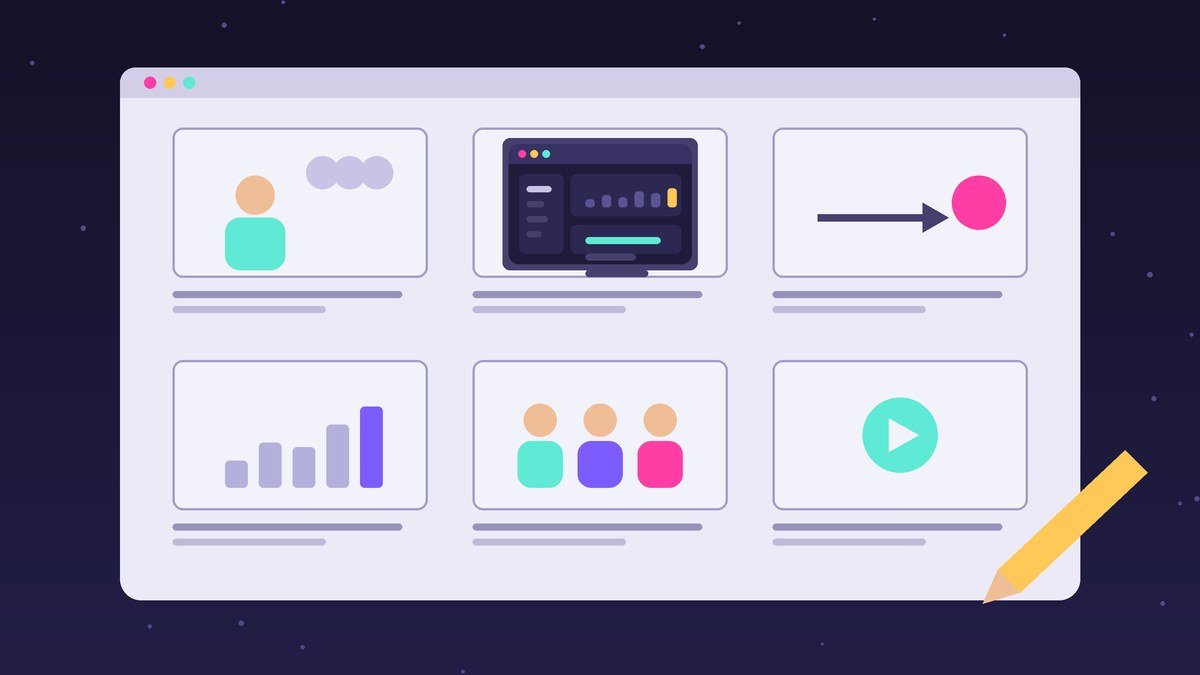
Once the script is approved, I turn it into a storyboard: a sequence of rough frames, each paired with the script line it supports. It looks simple, but it’s where we decide what the viewer actually sees at every moment. Do we show the real UI here, or a simplified metaphor? Is this a character scene or a kinetic type moment?
Storyboards are cheap to change and animation is not. Moving a scene at this stage takes minutes. Moving it after animation can take days. This is also where we lock the visual approach. If you are torn between styles, my explainer video styles cheat sheet for SaaS founders shows the main options side by side.
Stage 4: Style Frames
Style frames are 2 to 4 fully designed stills taken from key moments in the storyboard. They show exactly how the finished video will look: colors, typography, illustration style, how your UI is treated, and how characters (if any) are drawn.
For SaaS brands I usually rebuild key product screens as clean vector UI instead of using raw screenshots. It keeps text readable on phones and lets me animate individual elements like buttons, cards, and charts. Send me your brand guidelines, logo files, fonts, and a few product screens, and the style frames will feel like your brand from day one.
Stage 5: Voiceover
I usually send 3 to 5 voice samples from professional talent matched to the brief, for example a warm, conversational US voice for a B2B tool, or a calmer, more measured read for a healthcare product. You pick one, and I send the talent a pronunciation guide for your product name, feature names, and any acronyms.
Voiceover comes before animation on purpose. Timing the animation to a real recorded voice makes the video feel intentional. Animating first and fitting a voice later almost always feels slightly off.
Stage 6: Animation
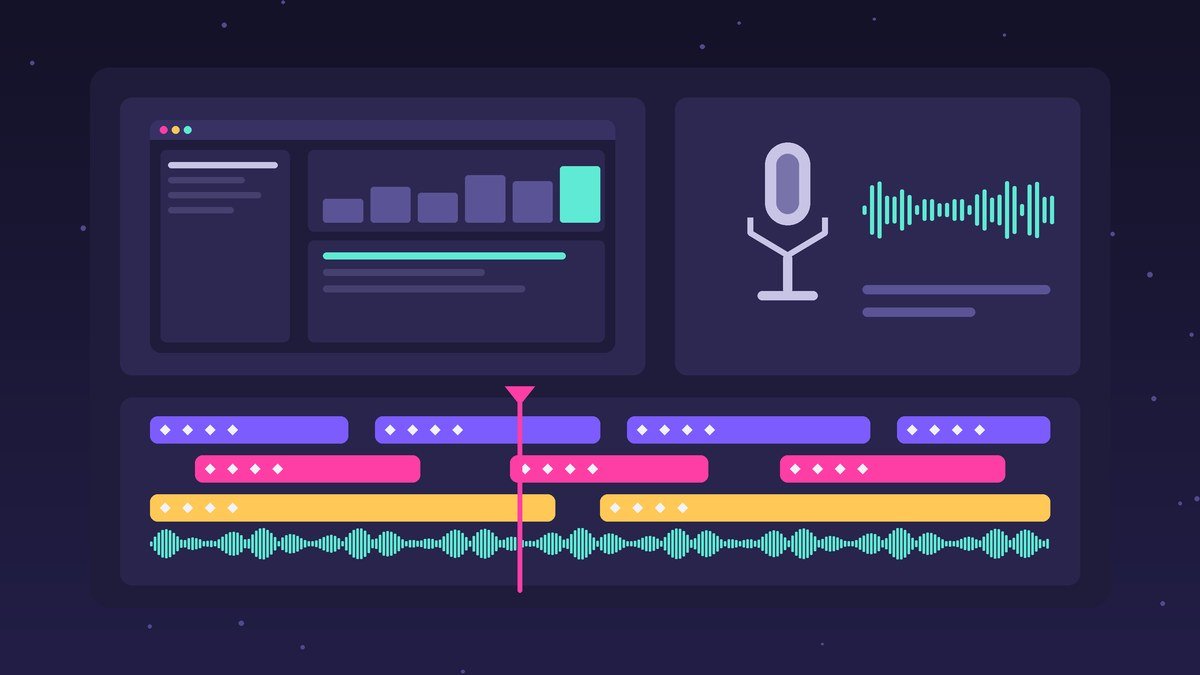
This is the longest stage and, honestly, the most fun. I build every scene from the approved storyboard and style frames, timed to the voiceover. For a 60 to 90 second piece this usually takes 7 to 15 working days depending on complexity. Character animation and detailed UI flows take longer than kinetic typography.
I usually share a work-in-progress cut around the halfway point so there are no surprises. Here is an example of the kind of SaaS work that comes out of this stage:
AutoAgents – my client work
BetterTracker – my client work
More projects are on the Explainalab homepage.
Stage 7: Sound Design and Music
Sound is the stage clients forget about and viewers notice instantly. I pick licensed music that matches the tone in the brief, add subtle sound effects for UI clicks, transitions, and reveals, and mix everything so the voice always sits clearly on top. A clean mix makes a video feel finished in a way that’s hard to describe but easy to feel.
Stage 8: Revisions
Two rounds of revisions on the animated cut are included in my projects. To make them count:
- Consolidate feedback. One document with timestamps from one point of contact beats five separate email threads.
- Use timestamps. “At 0:42, the dashboard text is too small” is easy to act on. “Can it pop more?” is not.
- Separate fixes from new ideas. Swapping a color is a revision. Adding a new feature scene is a scope change, and that’s fine, it just affects timing.
Because the script, storyboard, and style frames were approved earlier, revisions at this stage are usually small polish items rather than rebuilds. That’s the whole point of the earlier stages. Before signing off, I run every cut through my editor’s checklist for explainer videos that actually work.
Stage 9: Delivery and Cutdowns
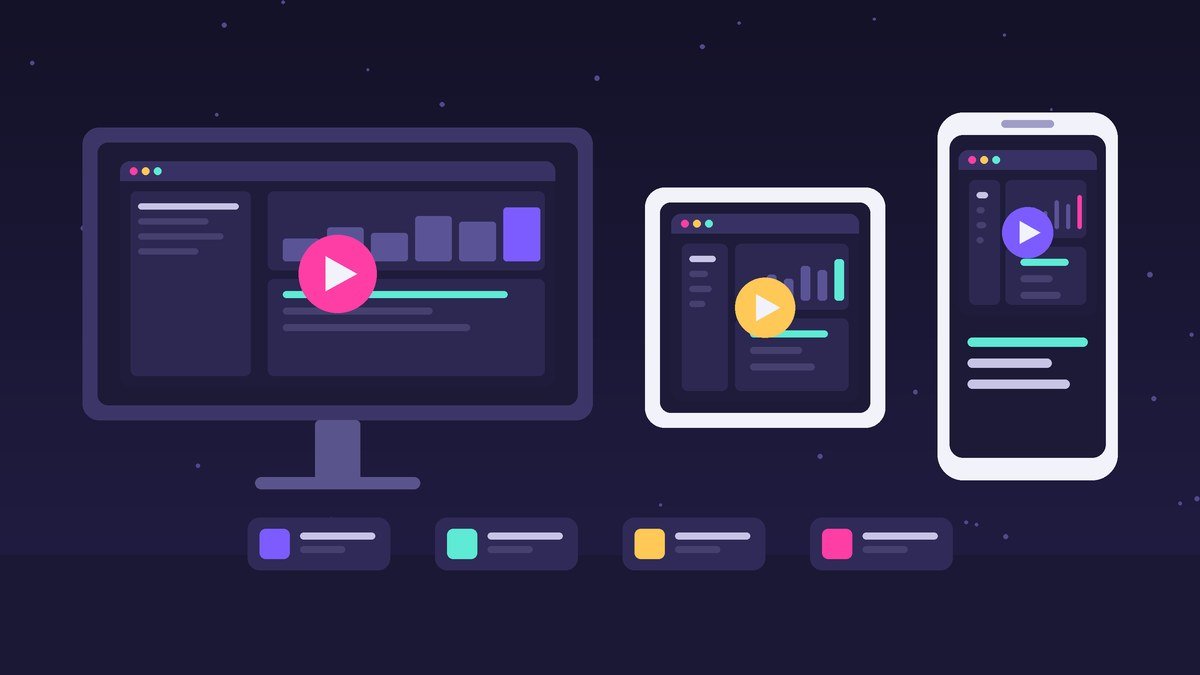
Your main deliverable is a 16:9 master file, which is the standard aspect ratio for YouTube on desktop according to YouTube’s recommended upload encoding settings. I export as H.264 MP4, which matches what YouTube recommends for uploads.
Most SaaS teams need more than one file, though. Common add-ons I deliver:
- Cutdowns: 15 and 30 second versions for ads and social.
- Aspect ratios: 1:1 square and 9:16 vertical versions re-framed for feeds and stories, not just cropped.
- Captions: an SRT or VTT caption file. The W3C Web Accessibility Initiative notes that captions for prerecorded video with meaningful audio are required at WCAG Level A, and that automatic captions usually need significant editing.
- Silent-friendly version: on-screen text that carries the message when sound is off.
- Project files on request, so your team can make small updates later.
Tell me where the video will live during discovery, not at delivery. Planning cutdowns early means I frame scenes so they can be re-cut cleanly later.
What Third-Party SaaS Launch Videos Teach About This Process
These are not my work. They’re official launch videos from other companies that I think show the process working well, and they’re worth studying.
- Launch video by Stripe (Ramp x Stripe, third-party). The whole video follows one concrete scenario, an AI agent buying wine as a client gift, from request to purchase. That single-story choice is decided at the script stage, and it makes an abstract feature (agent purchasing) easy to grasp in about 30 seconds.
- Launch video by ElevenLabs (Brand Kit, third-party). It walks through the feature in clear steps: add brand inputs, the product reads them, then creates on-brand outputs. You can feel the storyboard behind it. Each scene has one job, and the UI is simplified so it reads instantly.
How to Keep Your Project on Schedule
After many SaaS projects, the pattern is clear: animation rarely causes delays. Feedback does. Here is what keeps projects moving:
- Name one decision-maker who gives final approval at each stage.
- Get every stakeholder to review the script, not just the final cut.
- Send brand assets and product access in the first week.
- Agree on review windows up front (I suggest 2 business days per stage).
- Decide the channels and cutdowns during discovery.
If you’re also deciding between animation and filming, see how I help clients choose between animated and live-action video. The process above is for animation. Live action adds casting, locations, and shoot days.
Ready to Start Your SaaS Explainer?
If you have a product that’s hard to explain in a sentence, that’s exactly what this process is built for. Send me a short note about your product, your audience, and your launch date, and I’ll reply with a suggested scope and timeline. Get in touch with me here.
FAQ
How long does the SaaS explainer video production process take?
For a 60 to 90 second animated explainer, my projects usually take 3 to 6 weeks from discovery call to final delivery. Simpler kinetic typography videos can be faster. Character-heavy videos or slow feedback rounds make it longer.
What do I need to prepare before the first call?
A short description of your product and audience, your main goal for the video, where it will be published, your brand guidelines, and access to the product or a recorded demo. If you have examples of videos you like, bring those too.
How many revisions are included?
I include two rounds of edits on the script and two rounds on the animated cut. The storyboard and style frames are approved before animation starts, so late changes are usually small polish fixes.
Can you show our real product UI in the video?
Yes. I usually rebuild key screens as clean vector UI based on your real product, so text stays readable on small screens and individual elements can be animated. Simplified UI also stays accurate longer when your product changes.
Do I get versions for social media and ads?
Yes, if we plan for them. Common extras are 15 and 30 second cutdowns, 1:1 and 9:16 versions, and caption files. Tell me your channels during discovery so scenes are framed to be re-cut cleanly.
Leave a Reply